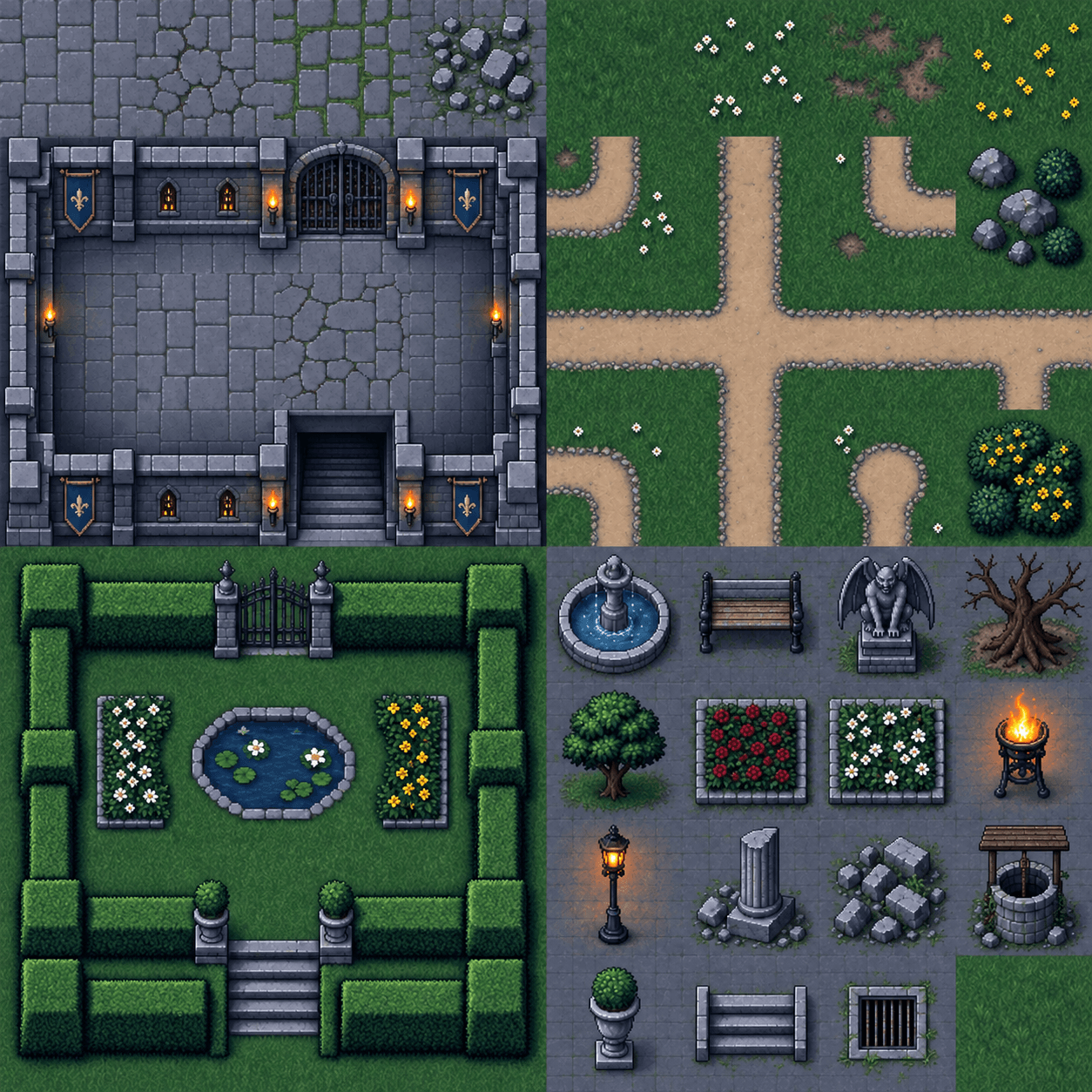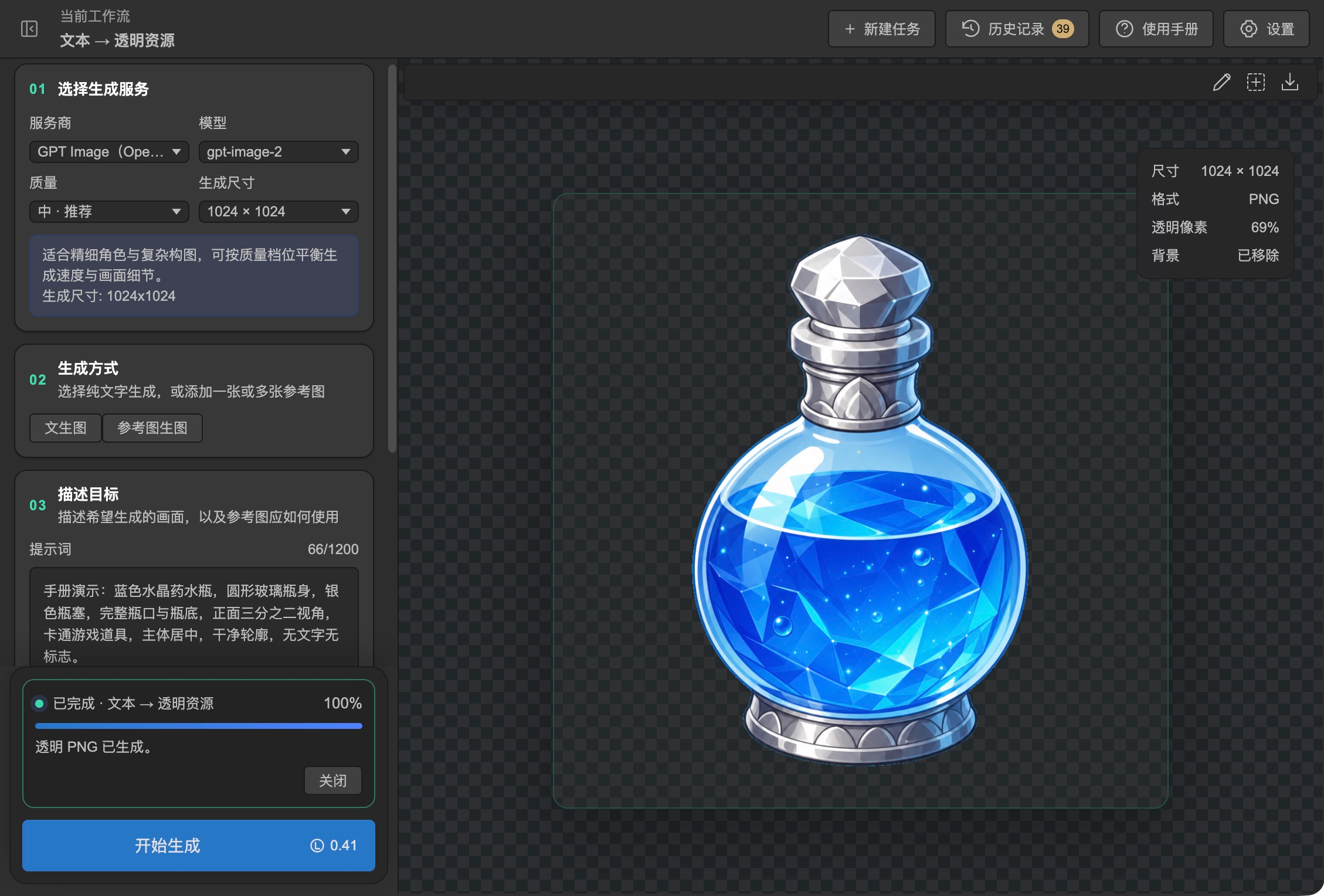
2D art and tilesets
Generate props and character art from prompts or references. Remove backgrounds, refine the output, or build tilesets with terrain edges and corners.
AI asset creation in LayaAir IDE
Create 2D art, UI, 3D models, animation, and audio in one workbench. Preview the results in LayaAir IDE and bring them into your game project.
Describe what you need or supply a source image, layout, or asset.
Inspect transparency, UI layers, model geometry, or animation playback in the workbench.
Bring the result into your project as an image, sprite atlas, GLB model, scene, or prefab, depending on the tool.
Generate props and character art from prompts or references. Remove backgrounds, refine the output, or build tilesets with terrain edges and corners.
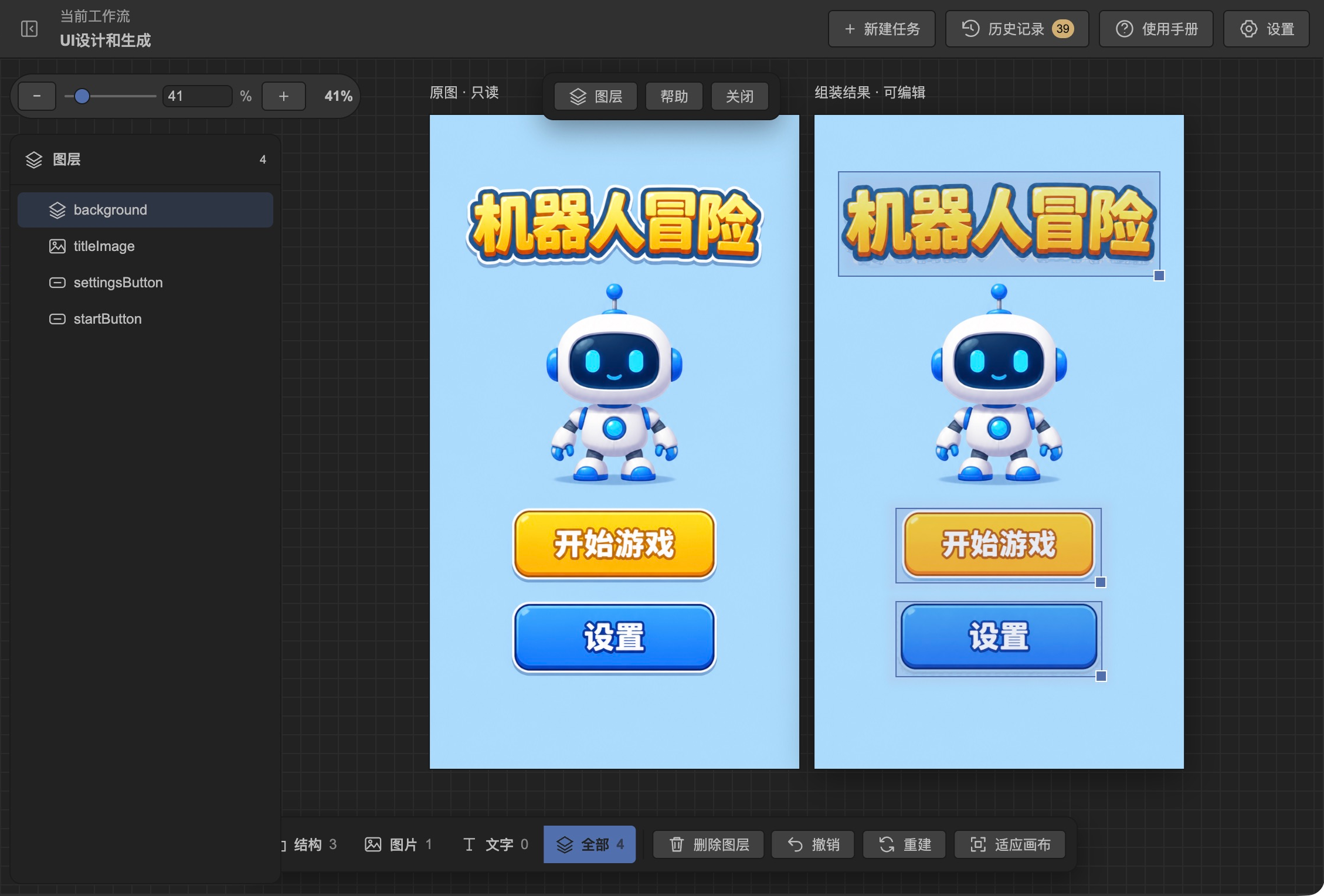
Start from a UI design, screenshot, or PSD. Separate elements, inspect the layout on a canvas, and export a LayaAir scene or prefab.
UI design tutorial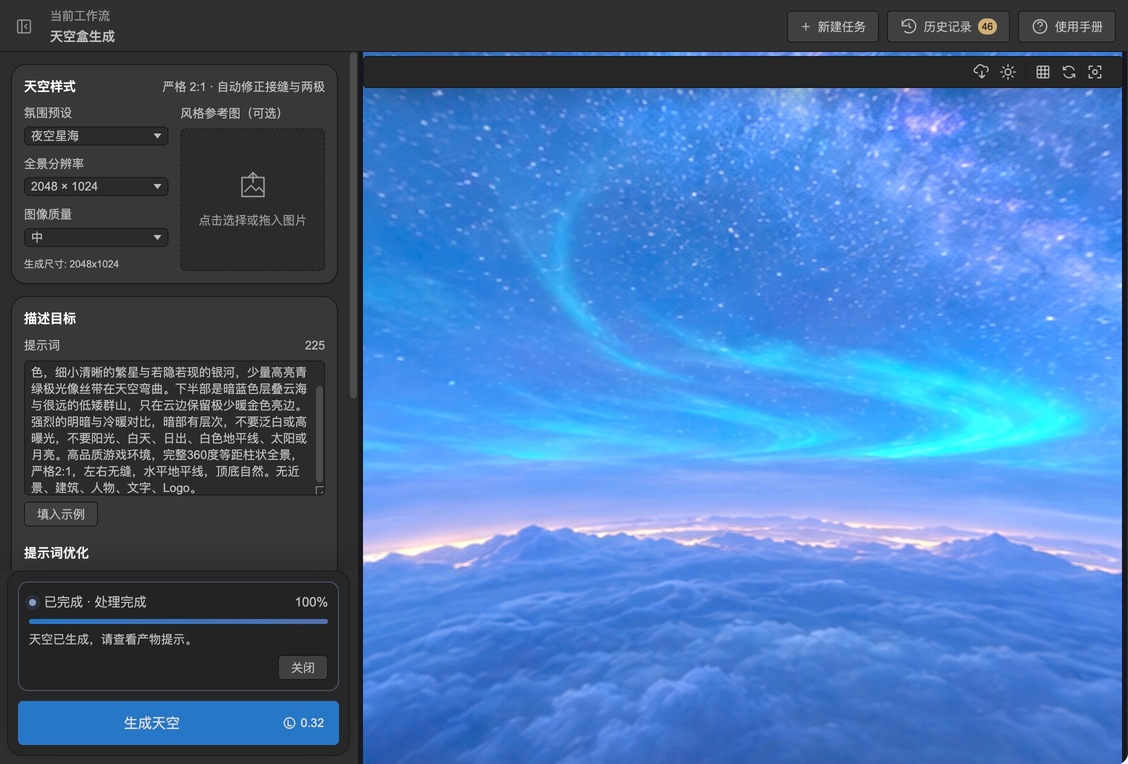
Generate models from text, a reference image, or multiple views. Inspect materials and geometry, rig characters, and retarget motion. Build panoramic skyboxes and preview editable particle effects in supported projects.
3D model tutorial
Turn character references into transparent animation frames. Preview and export effects as sprite atlases, or generate, audition, and trim sound effects and music.
2D effects tutorialClick AI in the upper-right corner, select AIGC Studio, and follow the installation prompts. You can also open an installed workbench from the AI Services menu.